
A New Era of Online Checklists: Digital, Interactive, Wildly Popular & Easily Made in Just Minutes
Design skills? Paid software? NOPE! You don’t need either with my simple system.
I’ll be the first to admit, I need to have some sort of checklist to keep me in line. Maybe it’s a to-do list, a project/process list, a chore list, budget or others. Without them, I’m lost! How about you?
Apparently, I’m not alone. The global task management market will grow from $4.45 billion in 2024 to $5.14 billion in 2025, with an expected value of $9.09 billion by 2029.
That’s massive!
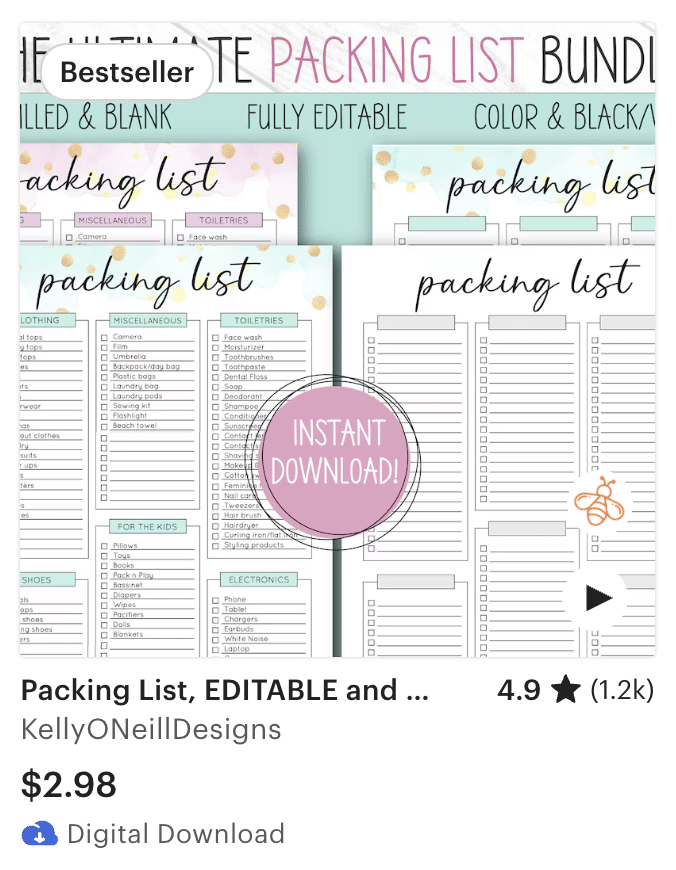
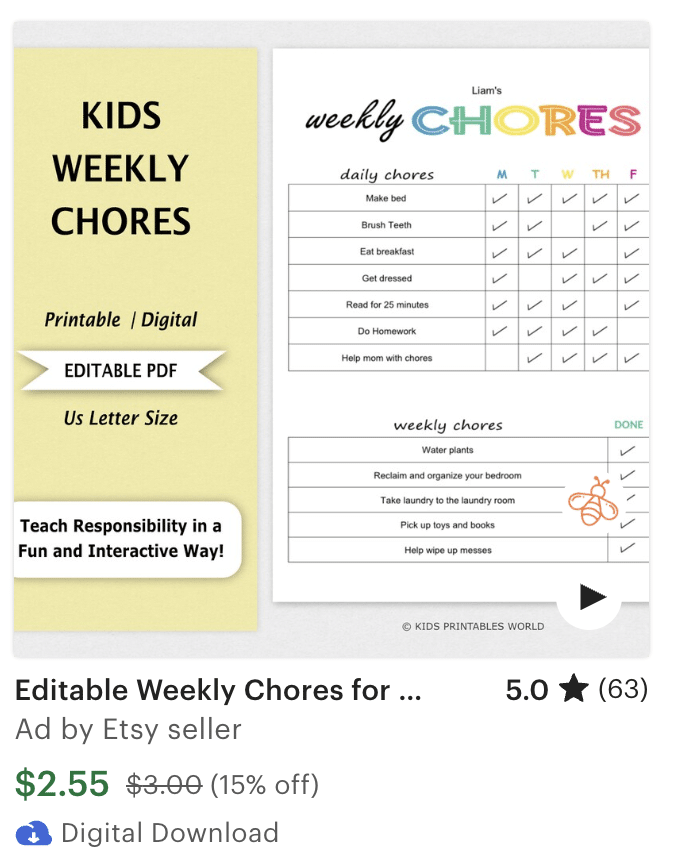
This is one reason that paper / printable checklists are evergreen sellers on Etsy and other sites.
Enter the New Era of Digital Checklists
While printable checklists are awesome (I use them often), the tide has turned, and people want more from their checklists. The types of digital checklists I’ll show you are the new must-have because they are:

But online checklists are:

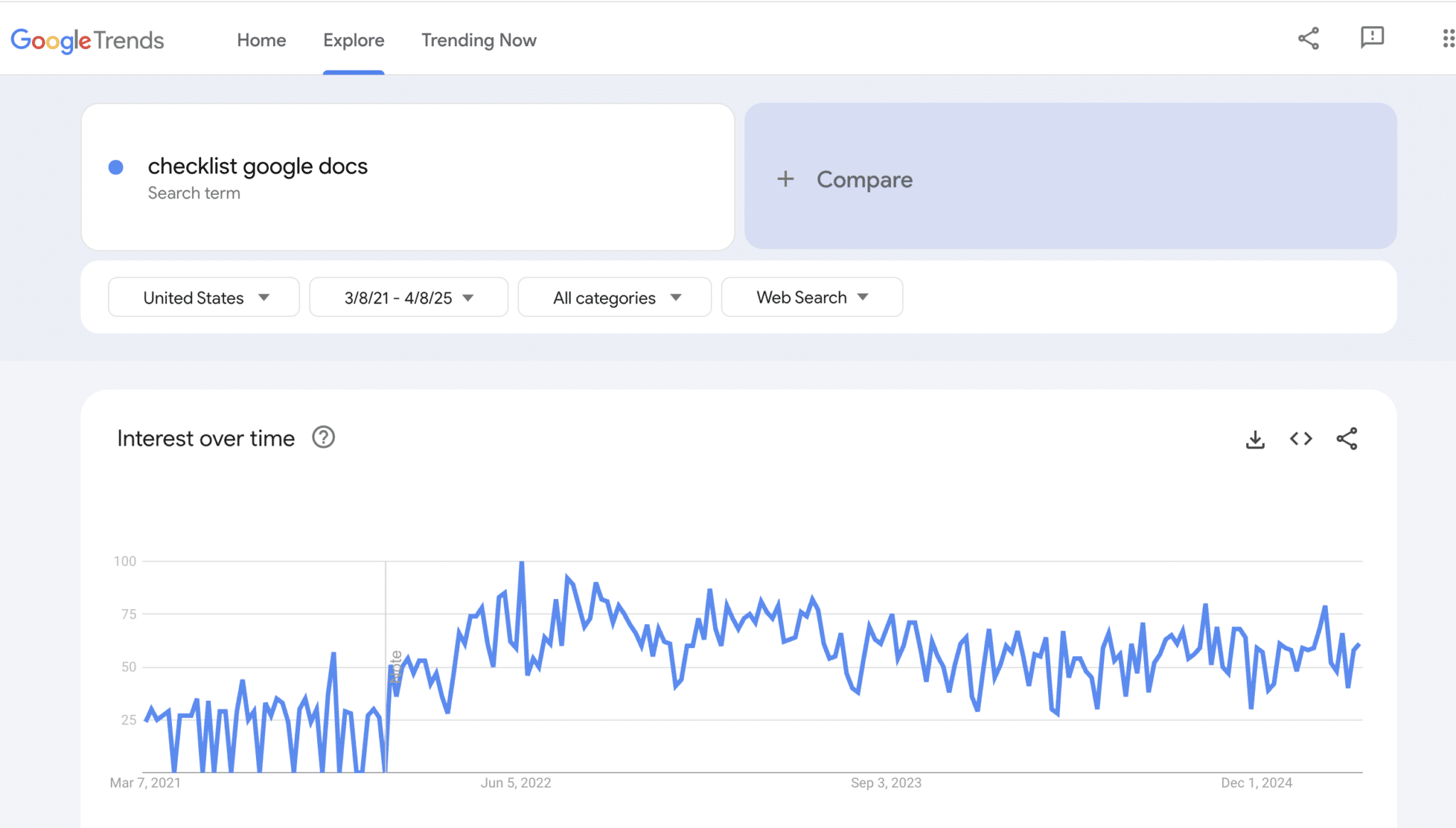

Just check Etsy and other sites and you’ll quickly see the benefits of making checklists in Google Docs and Google Sheets including:
I’m going to show you my tips, tricks, techniques and shortcuts . That way, you can shorten the learning curve for making checklists in Google Docs and Google Sheets that your followers and customers will rave about.
If you can watch a few short videos, drag and drop, and click a few buttons, you can set a new passive income stream in motion by making digital, web-based checklists to sell on Etsy, your site or other marketplaces.
Best of all, it requires:
Here's the Proof
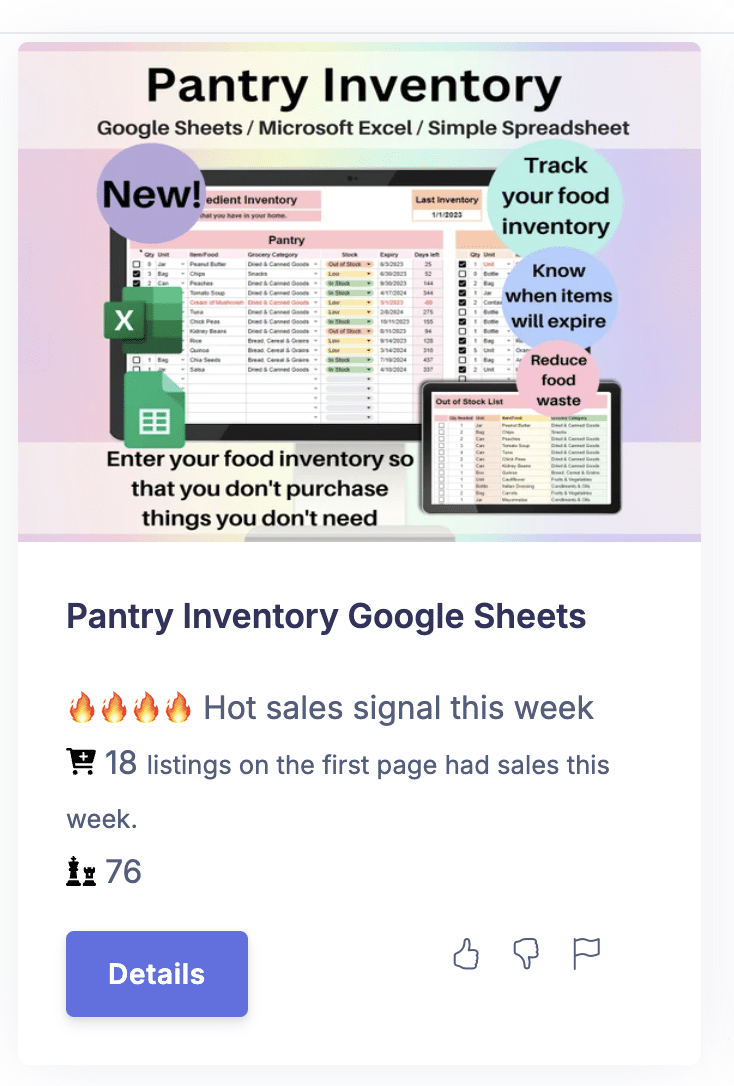
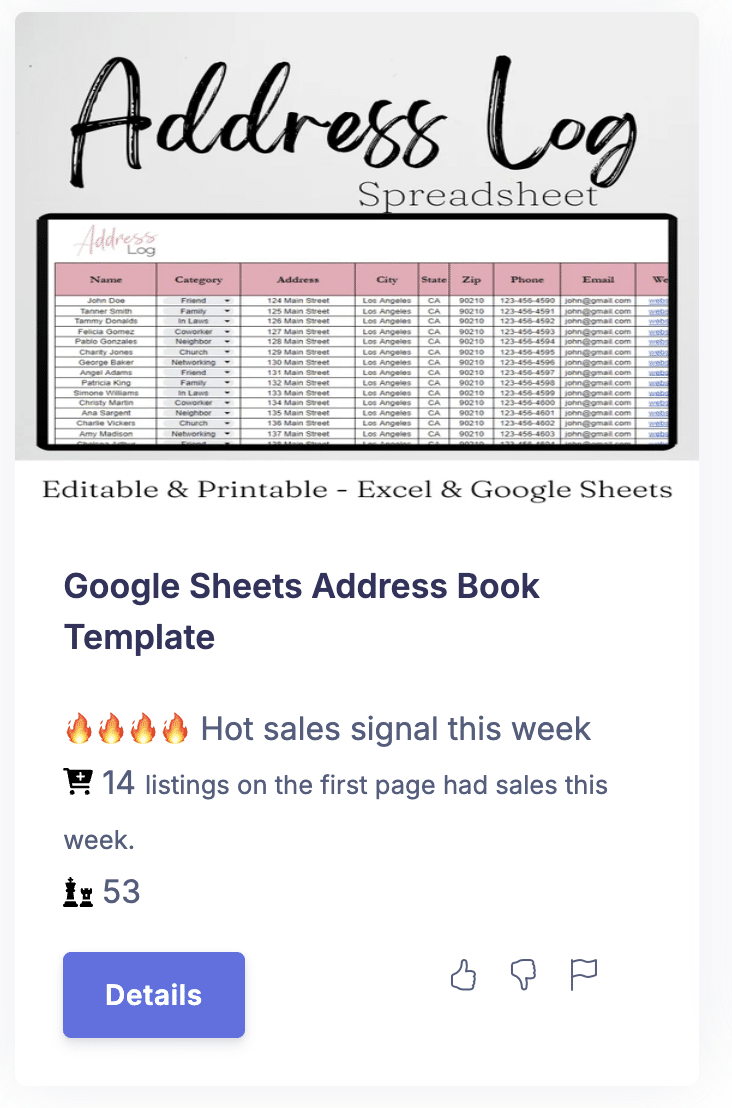
Look at these stats for checklists of every type (using InsightFactory). You can quickly find growing niches when you scroll through. Look at the potential of these examples.

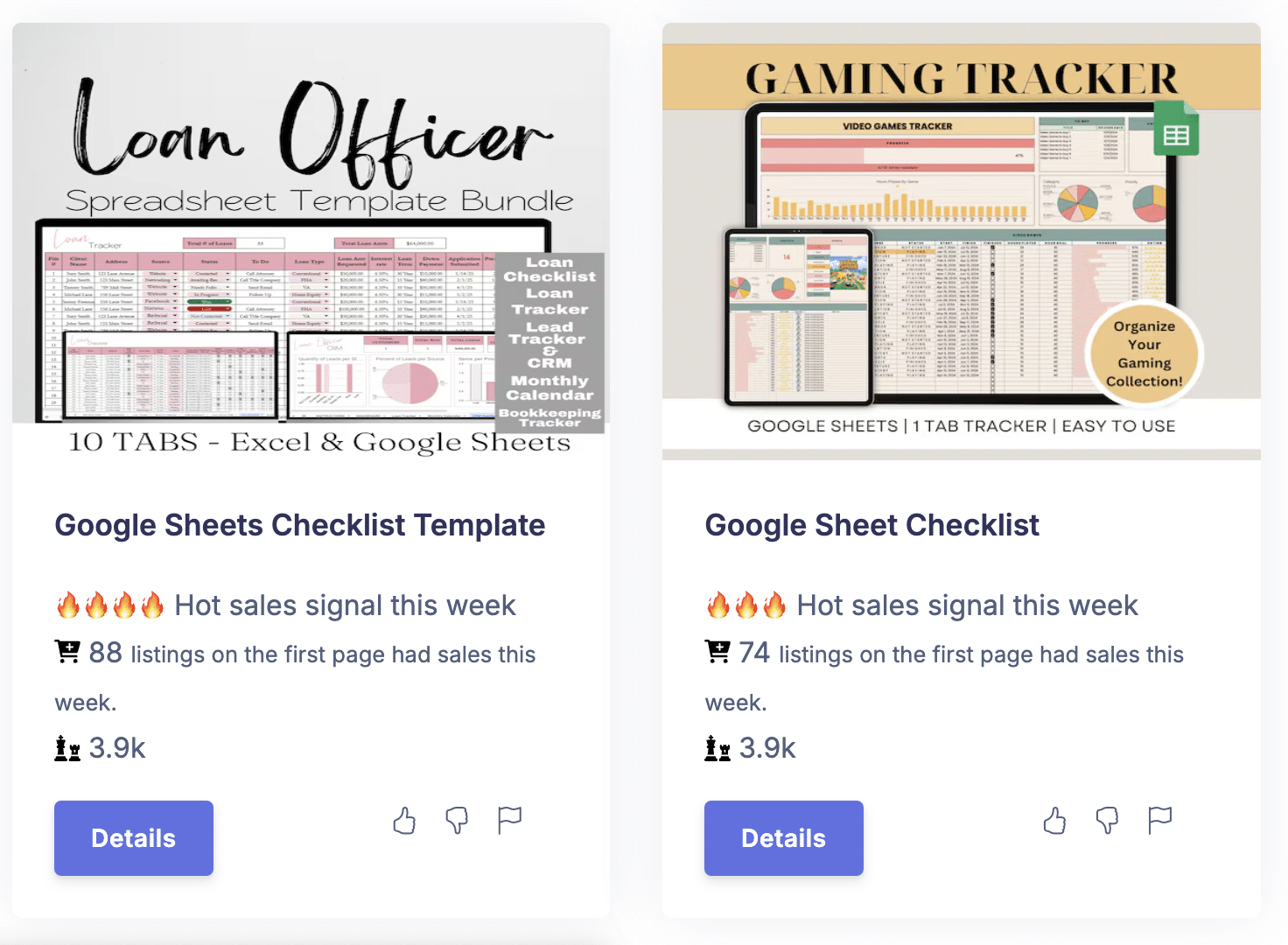
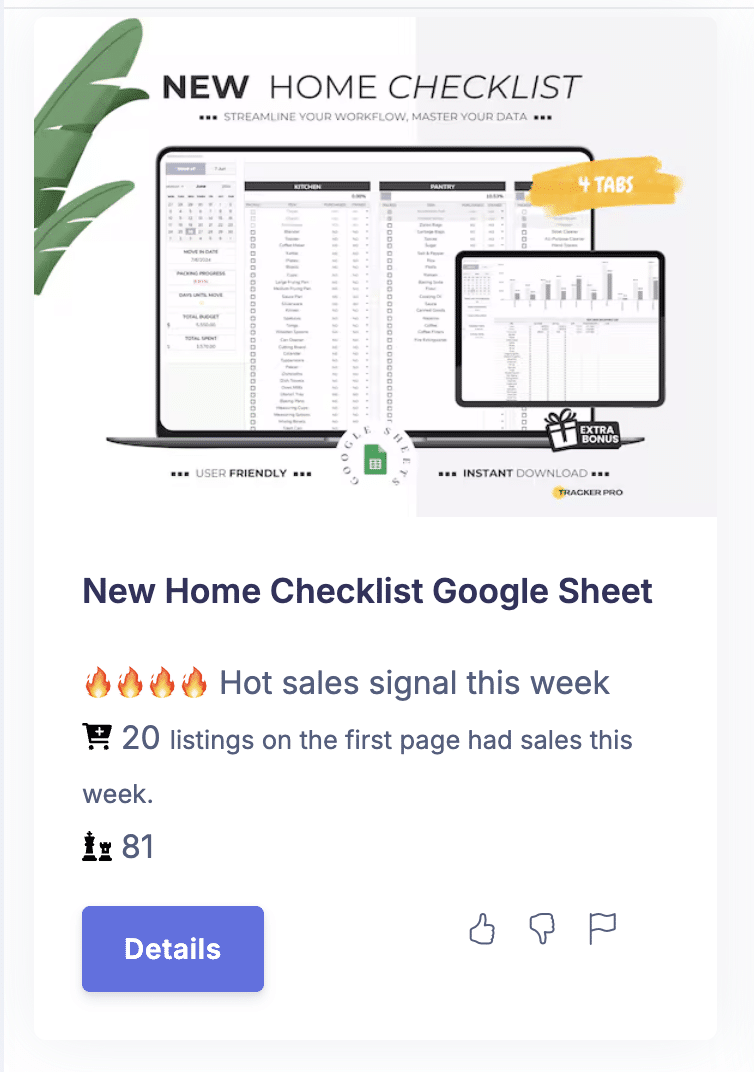
Are your creative juices flowing yet? Here's a little more inspiration!
How Much Can You Make?
You know I’m going to say, “That depends.” It’s true. Your sho/site, what’s in your shop, how well you optimize your shop, etc. Whether you sell individual checklists or bundles; they all play a role in sales. I averaged 10 product prices from Etsy and came up with $6.28. Let’s use that figure for our example.
The more designs you add to your Etsy shop and the more sales per day you make, the more you can potentially earn.
Interested? Let me show you:
|
|
5 popular designs you can make in no time |
I scoured Etsy and Google looking for easy, popular checklist designs. Then I reverse engineered them. I’ll show you the ultra-simple steps to make these unique designs. |
3 ways to double your income + 1 super-fast way to create more products in less time |
In addition to making checklists, I’ll show you how to earn about twice as much with just a little extra effort. |
Here's What You Get in Checklist Revolution: Easily Transform Ordinary Checklists into Interactive Must-Haves
With easy-to-follow, over-the-shoulder videos I make it as simple as can be by using free software (Google Docs and Google Sheets) to do everything.

Checklist Revolution:
Easily Transform Ordinary Checklists into Interactive Must-Haves
Now only $29
About Karon Thackston
Since 1999, I've owned and operated Marketing Words, specializing in helping entrepreneurs entice, engage and earn more.
Selling quick, easy-to-make digital products on your site, Etsy or other marketplaces is a phenomenal way to set up a passive income stream so you can work less and earn more.
Now I'm sharing the step-by-step process you need to grow your income and do it faster than you thought possible.

Frequently Asked Questions
Q: Do I have to have an existing Etsy shop?
However, you can open your Etsy shop today and start listing your new products right away—no existing shop required. Just keep in mind that brand-new shops usually take a little time to build up traffic and sales, so you’ll want to focus on that early on.
You’re not limited to Etsy either. Your checklists can also be sold on your own website or on other digital product marketplaces that support downloads.
Q: Do you go through how to set up an Etsy shop?
This is strictly about how to create digital checklists. I will not cover setting up an Etsy shop, how to list a product on Etsy, etc.
Q: What software is required to make these online checklists?
Free Google Sheets or Google Docs. We’ll walk through some of each and you’ll get templates done in either Google Sheets or Google Docs.
Q: Does creating checklists require a lot of design work?
Not the ones I’m going to show you!

Ready to invest just a few minutes per checklist to get passive income every month?
Checklist Revolution:
Easily Transform Ordinary Checklists into Interactive Must-Haves
Now only $29
Your Purchase Is Guaranteed
Jump in and get started today! If within 7 days you don't think this course provides any value, you may request a refund.
© 2024 Marketing Words | All Rights Reserved